Introducing Practifi Intelligence: Our Built-in AI Assistant. Learn More >
Introducing Practifi Intelligence: Our Built-in AI Assistant. Learn More >
Most advisors prepare for client meetings the same way. They pull up the last meeting’s notes, scan holdings, check recent activity, and uncover what they can in whatever time they have. Now, there is a better way. With AI-powered meeting prep, the work is already done before advisors even log in.
The information an advisor needs changes from meeting to meeting. That’s why we display three key components on screen simultaneously from the moment the workspace opens, with each doing a different job.
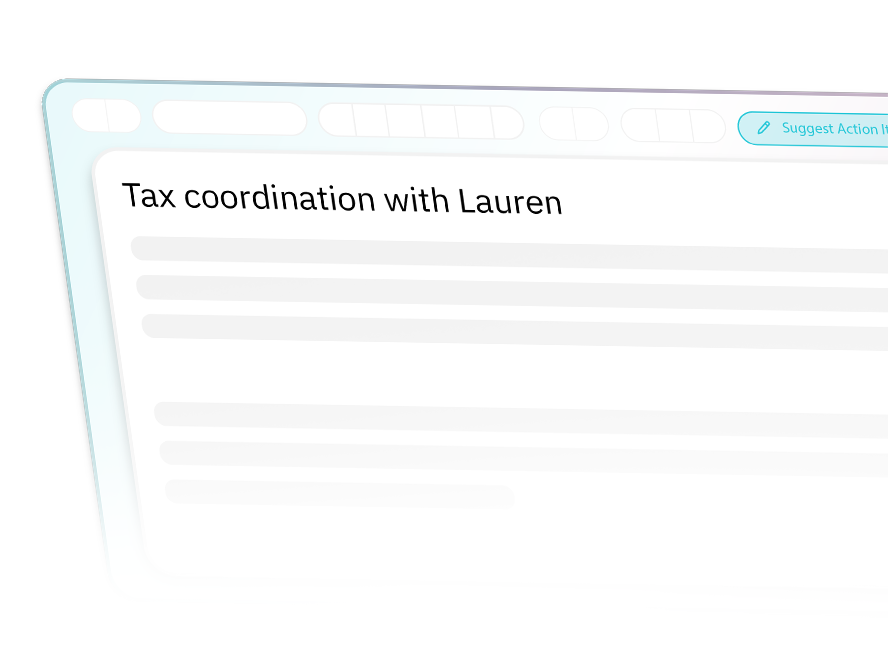
Pre-drafted prep Smart Note
AI-powered meeting prep pre-generates a Smart Note from your firm’s preferred template for every meeting automatically, in the background, before the advisor ever opens the workspace. It arrives prefilled with relevant context, remains fully editable, and saves automatically as the advisor works.
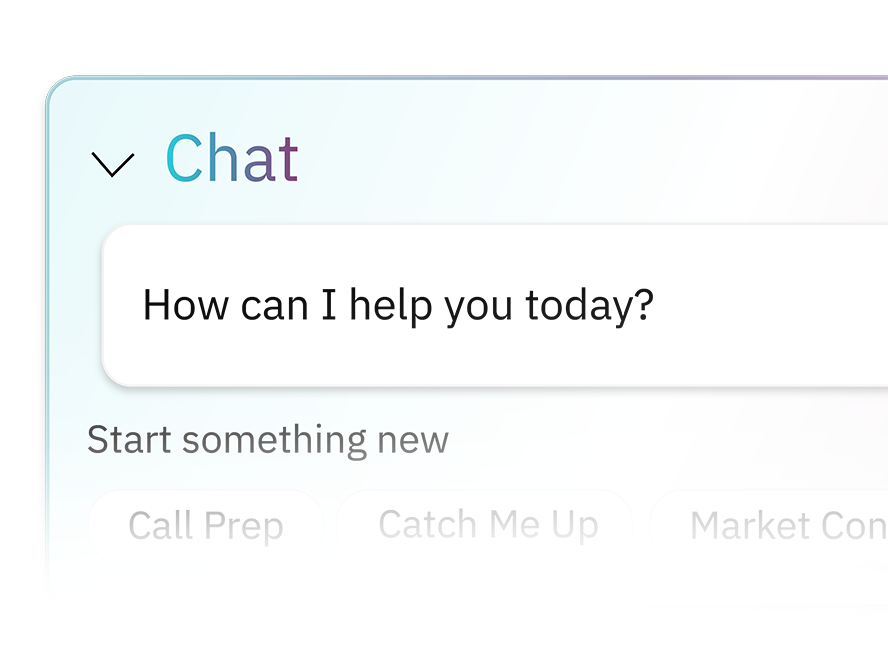
Chat, scoped to the client
Chat is open and already scoped to the client the moment the workspace loads. Ask any question the prep note doesn’t answer about a specific holding, a recent interaction, an upcoming event. Answers are drawn from the full depth of the client relationship and conversations persist across sessions.
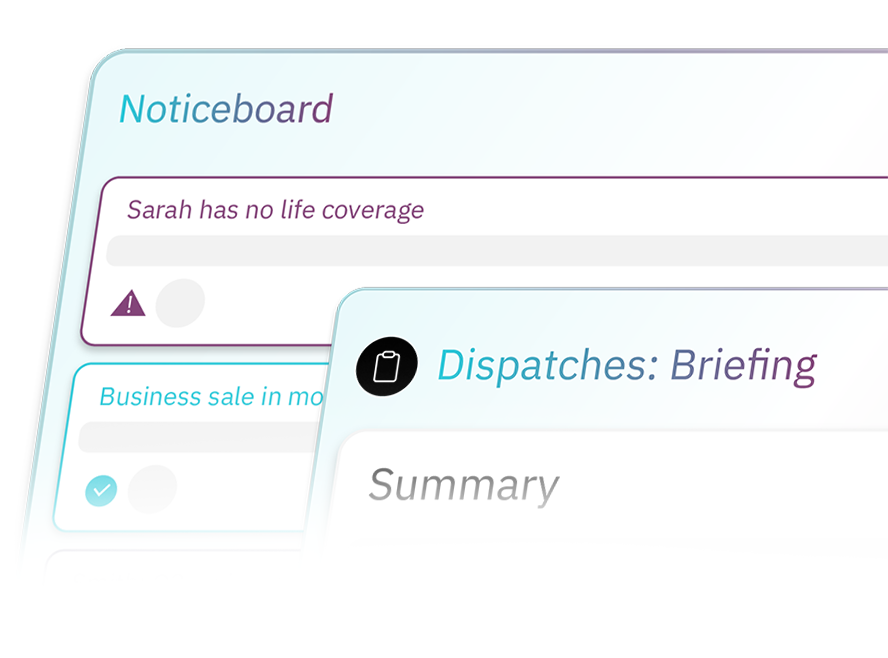
The Briefing alongside
The client’s Briefing and most recent Noticeboard posts sit alongside the prep note, so the advisor can scan the latest intelligence or check recent alerts without leaving the workspace.
For advisors
Enter every conversation ready to do your best work without spending an hour getting there.
For operations leaders
Each prep note follows the same firm-wide template. Every note is reviewable at scale. Consistent, structured, defensible.
For compliance teams
Prep notes stay as permanent records on the client after the meeting, alongside the meeting note that captured the conversation itself.
The Advisor Journey
Every component of the Meeting Prep Workspace draws directly from your system of record, ensuring the intelligence is always current and the context is always complete.
Request a demo and see the Meeting Prep Workspace in action.
